
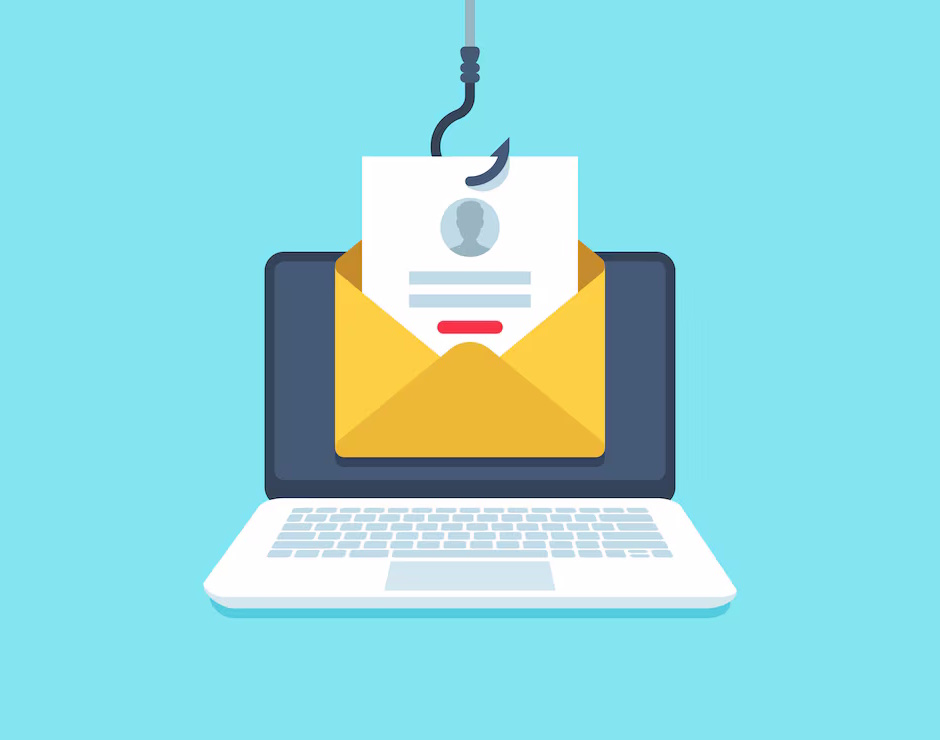
In today’s increasingly connected world, email remains one of the most common methods of communication—and unfortunately, one of the easiest entry points for cybercriminals. Phishing and other malicious email campaigns are more sophisticated and dangerous than ever, and they’re targeting not just large corporations, but everyday people, small businesses, and anyone with an inbox.
This article breaks down what phishing is, why it’s dangerous, how to spot it, and most importantly—how you can protect yourself.
What Is Phishing?
Phishing is a type of cyberattack where attackers pose as trustworthy entities (like your bank, a coworker, or even a family member) to trick you into revealing sensitive information or taking an action that helps the attacker—such as clicking a malicious link or opening a harmful attachment.
There are several types of phishing, including:
- Email phishing: The most common form. Attackers send mass emails impersonating legitimate companies.
- Spear phishing: More targeted. The attacker researches their victim and crafts a convincing, personalized email.
- Business Email Compromise (BEC): A form of spear phishing where attackers impersonate executives or employees to trick staff into transferring money or data.
- Smishing and vishing: Phishing via SMS ("smishing") or voice calls ("vishing").
Why It’s So Dangerous
Phishing emails used to be easy to spot—bad grammar, strange email addresses, suspicious-looking links. But not anymore. Cybercriminals have evolved. Today’s phishing emails often look professional, use real company logos, and even mimic the tone and writing style of legitimate emails.
If you fall for one, you might:
- Give away your login credentials
- Install malware or ransomware on your device
- Transfer money to a scammer’s account
- Reveal sensitive business or personal information
These consequences can be devastating for individuals—and financially and reputationally ruinous for small businesses.
Common Signs of a Phishing Email
Even with the increase in sophistication, there are still tell-tale signs you can watch out for. Here’s what to keep an eye on:
- Urgent or Threatening Language
Phishing emails often pressure you into acting quickly. Phrases like “Your account will be locked,” “Urgent security alert,” or “Immediate action required” are red flags. Real companies usually don’t threaten you in this way. - Unexpected Attachments or Links
Did you receive a PDF, ZIP file, or link from someone you don’t recognize—or weren’t expecting? Think twice before opening. Hover over links to preview the destination (on desktop), and be cautious if the URL looks suspicious or doesn't match the supposed sender. - Sender Email Doesn’t Match the Name
An email might appear to be from “Amazon Support,” but clicking or hovering over the sender’s address reveals something like support@amaz0n.security-update.co. Always check the sender’s actual email address, not just the display name. - Requests for Personal Information or Login Credentials
No legitimate company will ask you to send your password, Social Security number, or credit card details over email. If someone is asking, it’s a scam. - Too Good to Be True
If it seems too good to be true, it probably is. Be wary of emails claiming you’ve won a prize, been selected for a mystery gift card, or are eligible for a refund you weren’t expecting.
Real-World Tactics to Fool You
Here are some examples of how attackers trick people:
- Spoofing a colleague’s email: You get an email from your boss (or so it seems) asking you to buy gift cards for a client. The email is urgent and from a slightly altered address.
- Impersonating a service you use: You receive a message claiming to be from Microsoft or Google asking you to reset your password. The link looks official, but it leads to a fake login page that captures your credentials.
- Fake invoice or payment request: An attacker sends a fake invoice from what looks like a regular vendor. It might even include your actual company name or client data.
How to Protect Yourself and Your Organization
Here are some practical steps anyone can take to stay safe:
- Slow Down and Be Skeptical
If something feels off—trust your instincts. Take a moment to verify before clicking or responding. - Verify Through Another Channel
If you get a suspicious request from a coworker or vendor, call or message them through a known method (not by replying to the email) to confirm it’s real. - Use Strong, Unique Passwords
And don’t reuse them across different accounts. Use a password manager to help you keep track securely. - Turn on Multi-Factor Authentication (MFA)
This adds a second layer of protection, like a text code or an authentication app, making it much harder for attackers to access your account—even if they get your password. - Keep Software and Devices Updated
Updates often include security patches that protect you from known vulnerabilities. Don’t ignore those update reminders! - Be Cautious on Mobile Devices
Phishing messages are even harder to detect on phones. Links are harder to preview, and email addresses are often hidden. Be extra cautious when checking email or texts on your mobile device. - Educate Others
If you spot a scam, let your coworkers or family members know. Cybersecurity is a team effort.
How We Can Help
At FalconTech, we help small businesses and individual users protect themselves with comprehensive cybersecurity solutions—including employee training, email filtering, endpoint protection, and ongoing monitoring.
Whether you're a solo entrepreneur or manage a team, we can help tailor a strategy to minimize your risk—and deal with threats quickly when they arise.
Final Thought
Phishing isn’t going away any time soon. In fact, it’s growing more sophisticated by the day. But with the right knowledge and a little caution, you can avoid falling victim to these attacks. Always verify, never rush, and when in doubt—don’t click.
Stay safe out there.
Want to know more or schedule a cybersecurity review? Contact us today.